
Motionlily Video editor & photo editor for Android
Edit like a studio, right on your phone.
A video and photo editor for Reels, TikToks, Shorts, vlogs and music videos, with effects, transitions, text, music and on-device AI tools.
Not yet available on Google Play.
See features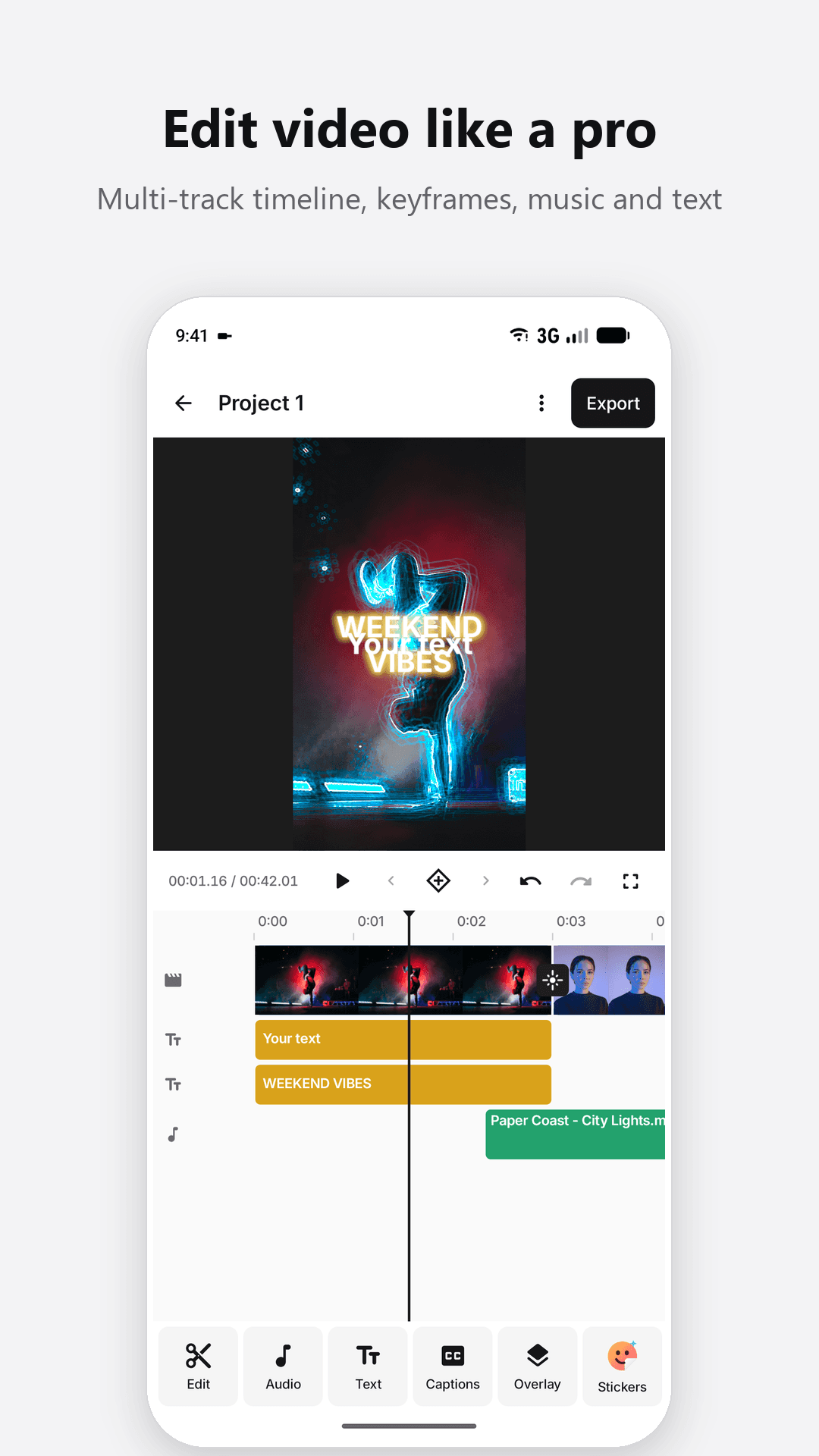
Why Motionlily
Making a good-looking video usually means juggling several apps, watermarks and uploads. Motionlily puts a multi-track timeline, hundreds of effects and transitions, animated text, music and AI tools into one editor, with no ads and no account, and your media never leaves your phone.
Features
What Motionlily does.
Multi-track timeline
Video, photo, overlay, audio and text layers, with trim, split, reverse, freeze frame and speed curves.
Keyframes and masks
Keyframe position, scale, rotation and opacity with a graph editor, plus masks, blend modes and chroma key.
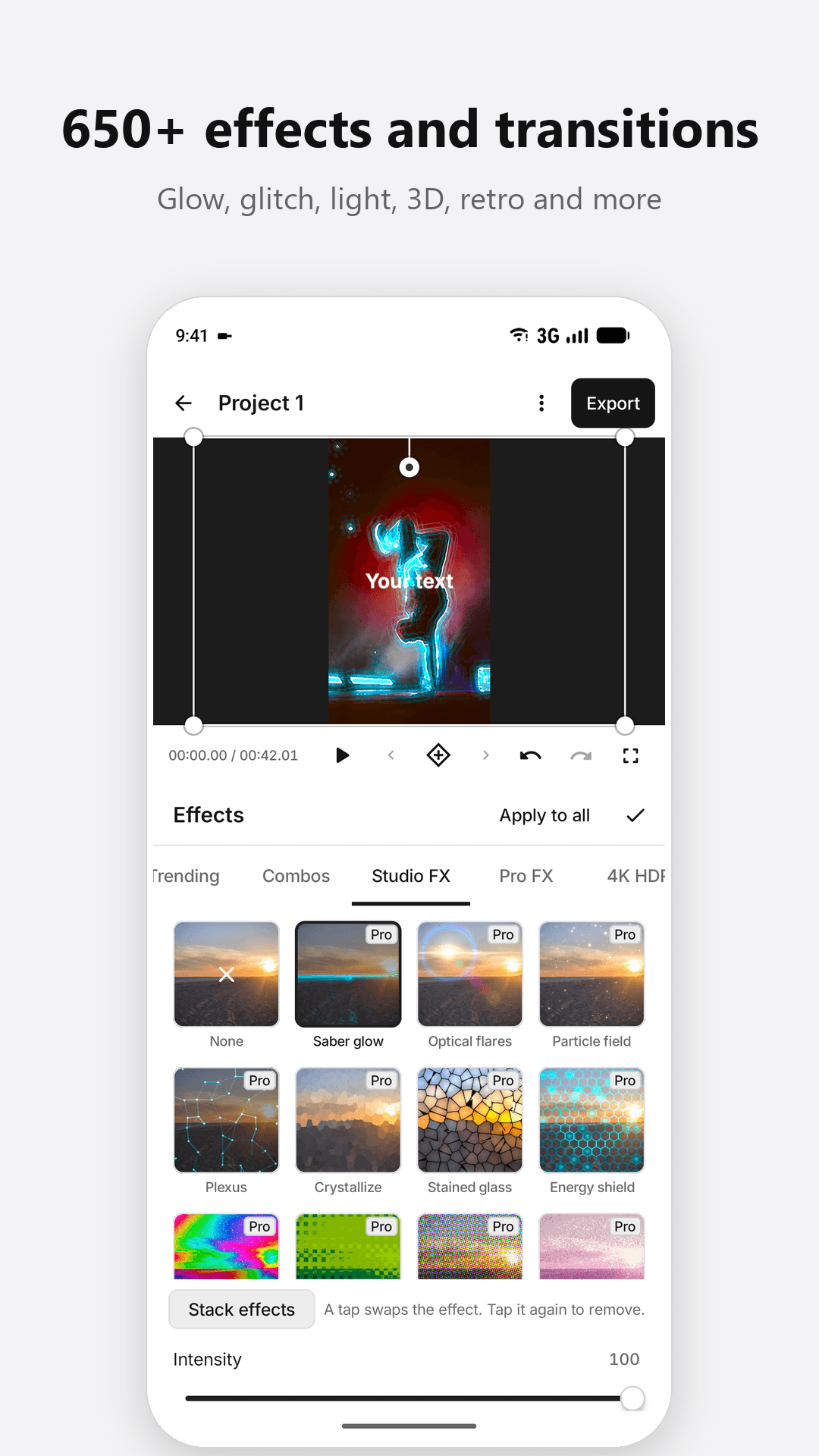
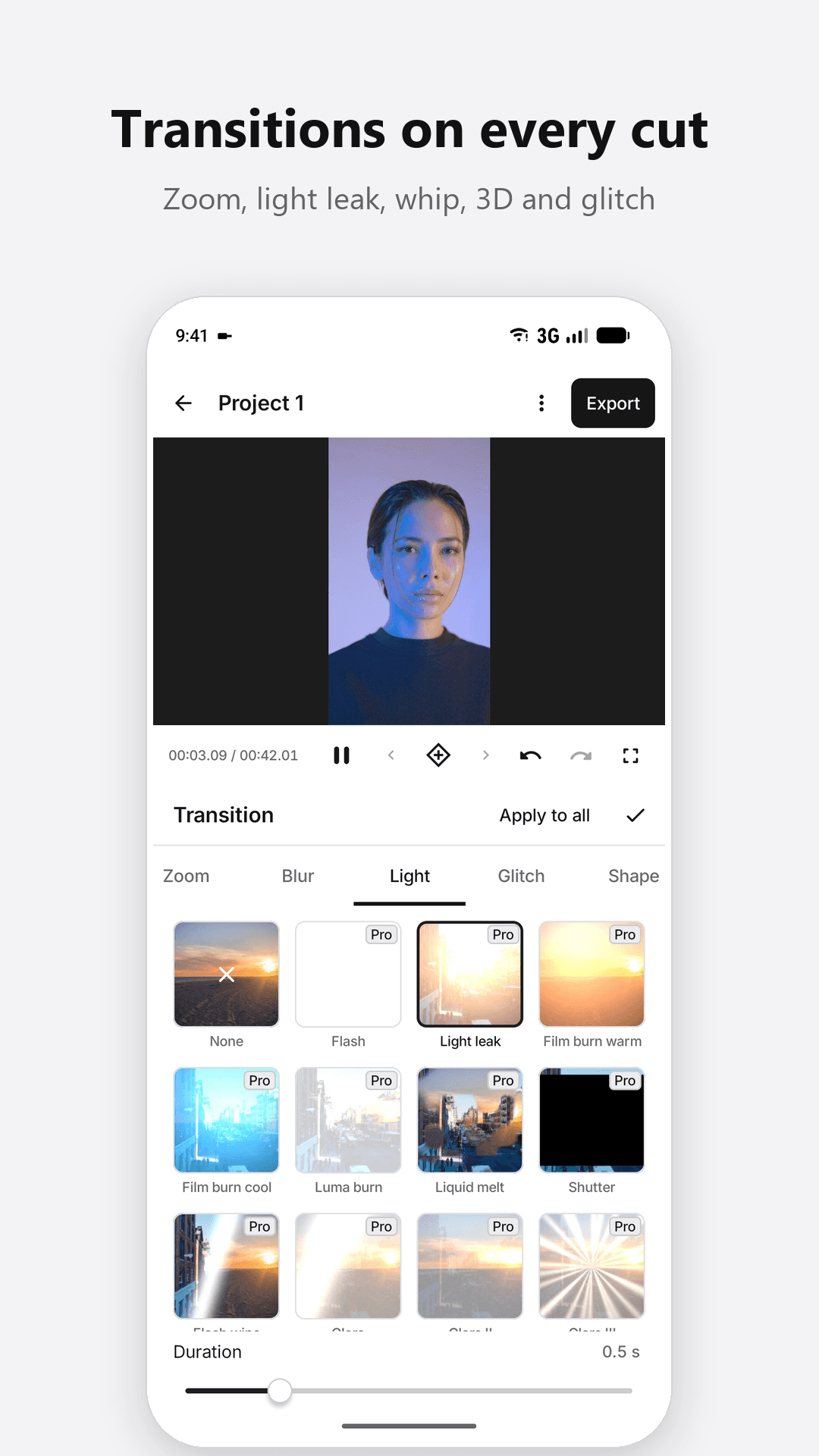
Effects and transitions
380+ video effects and 260+ transitions, including glow, light leaks, glitch, film, zoom and whip pan.
Text and captions
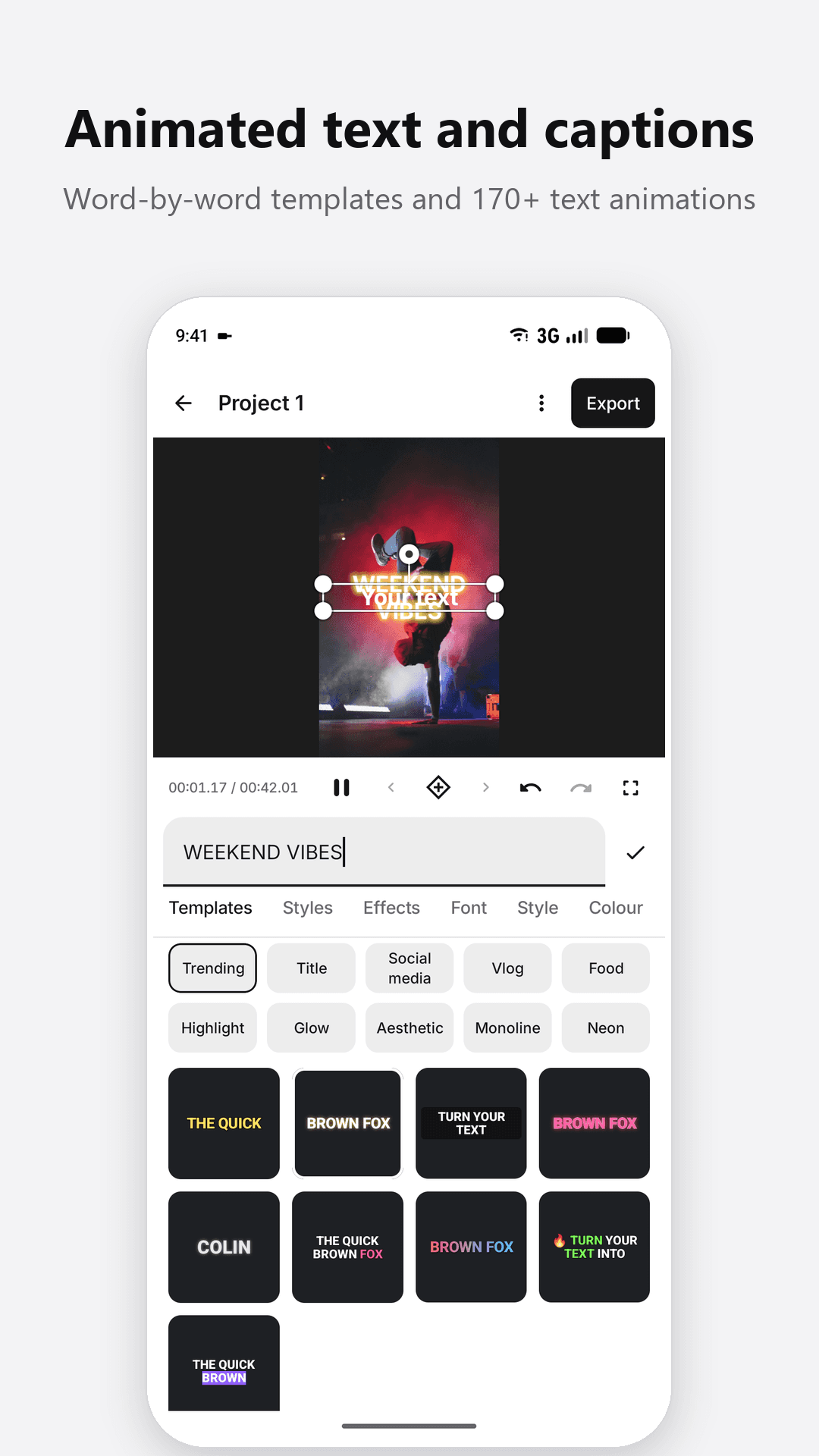
170+ text animations including word-by-word and karaoke styles, and auto captions from speech, with translation.
Music and voice
Music and sound effects, voice-over, on-device text to speech, clean voice and automatic music ducking.
AI tools on your phone
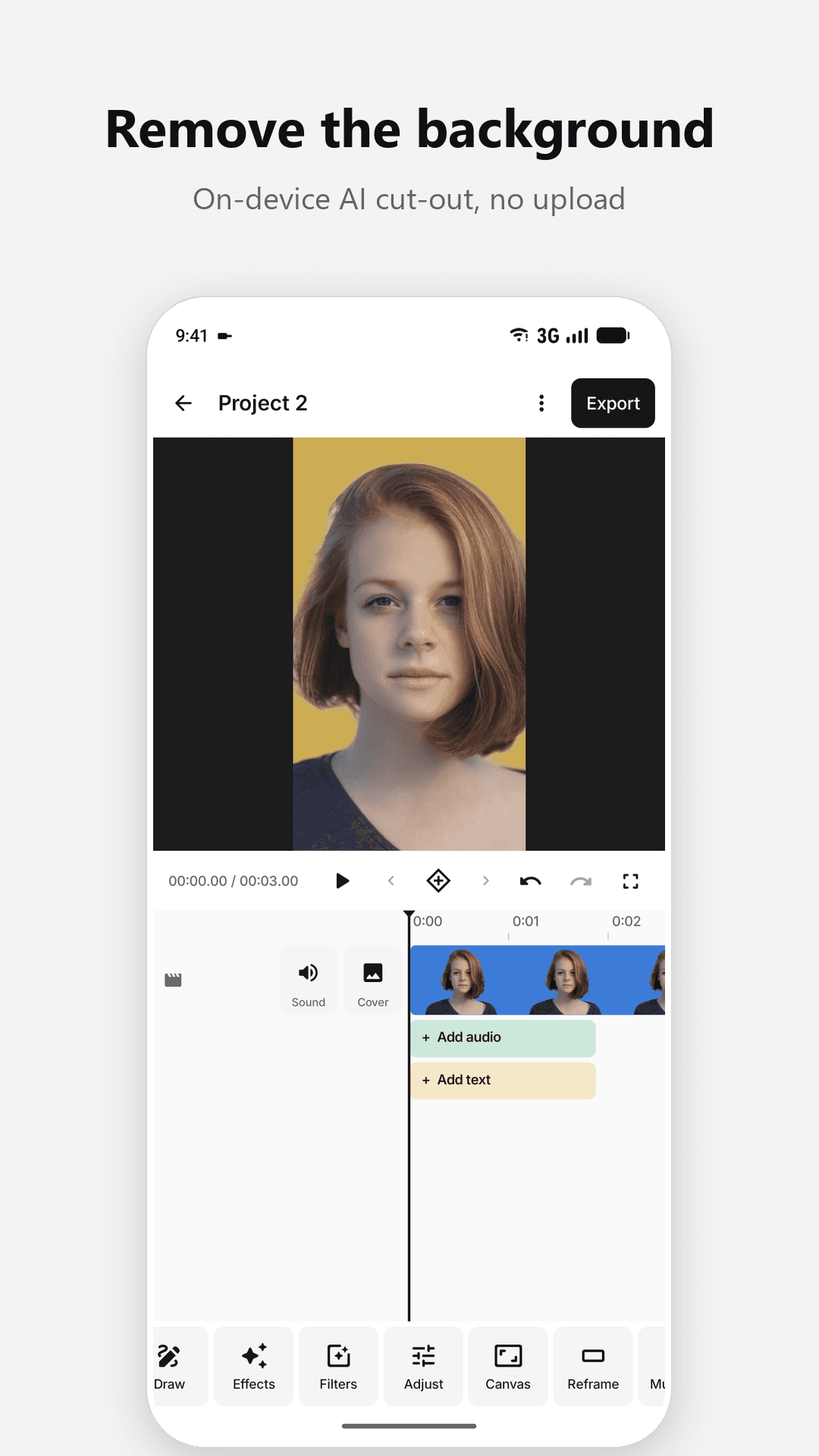
Remove backgrounds and objects, turn a still into a live 3D photo, smart reframe and face blur.
Filters and colour
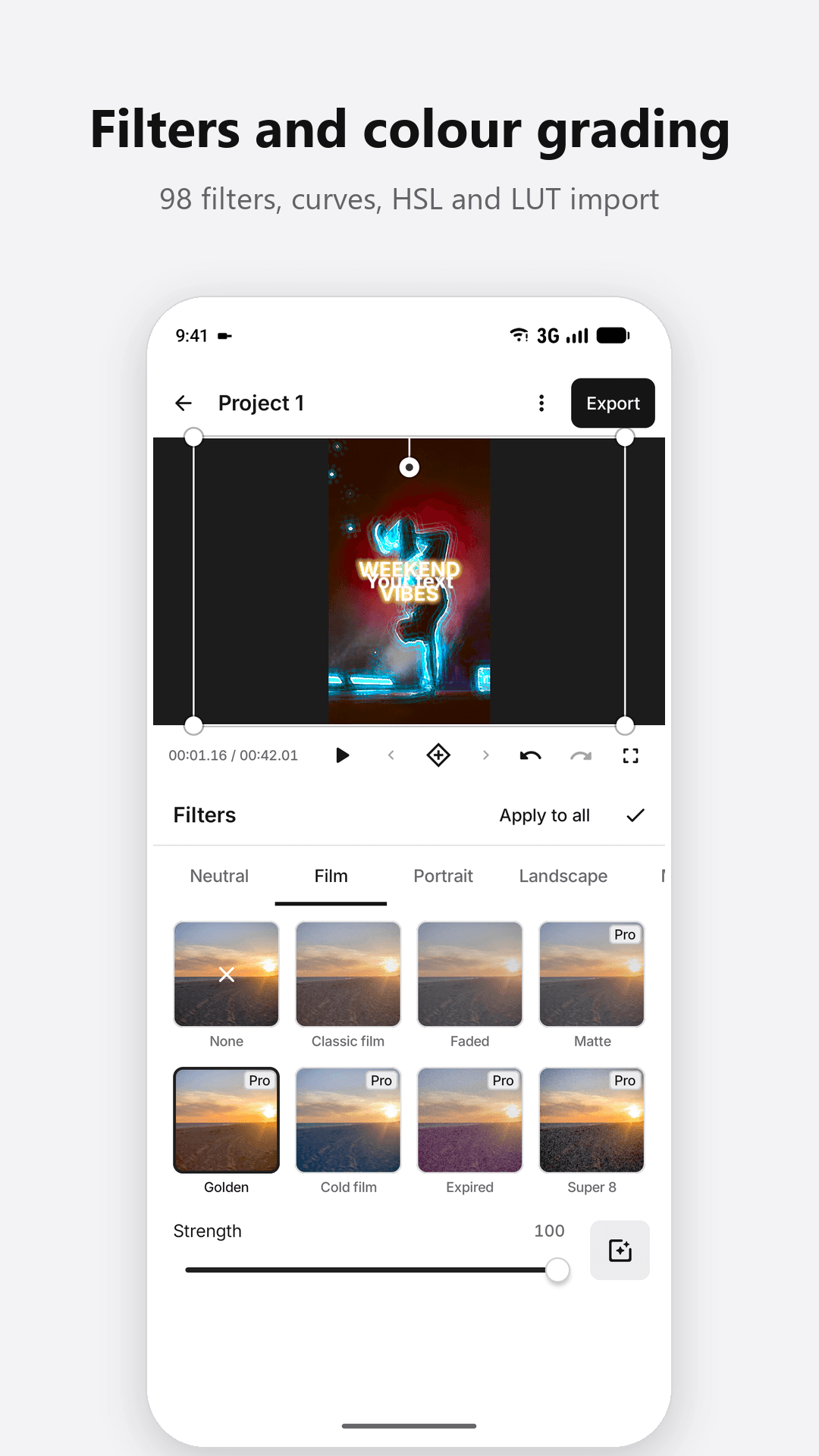
98 filters plus exposure, contrast, warmth, saturation, sharpen, vignette and grain.
Photo editor
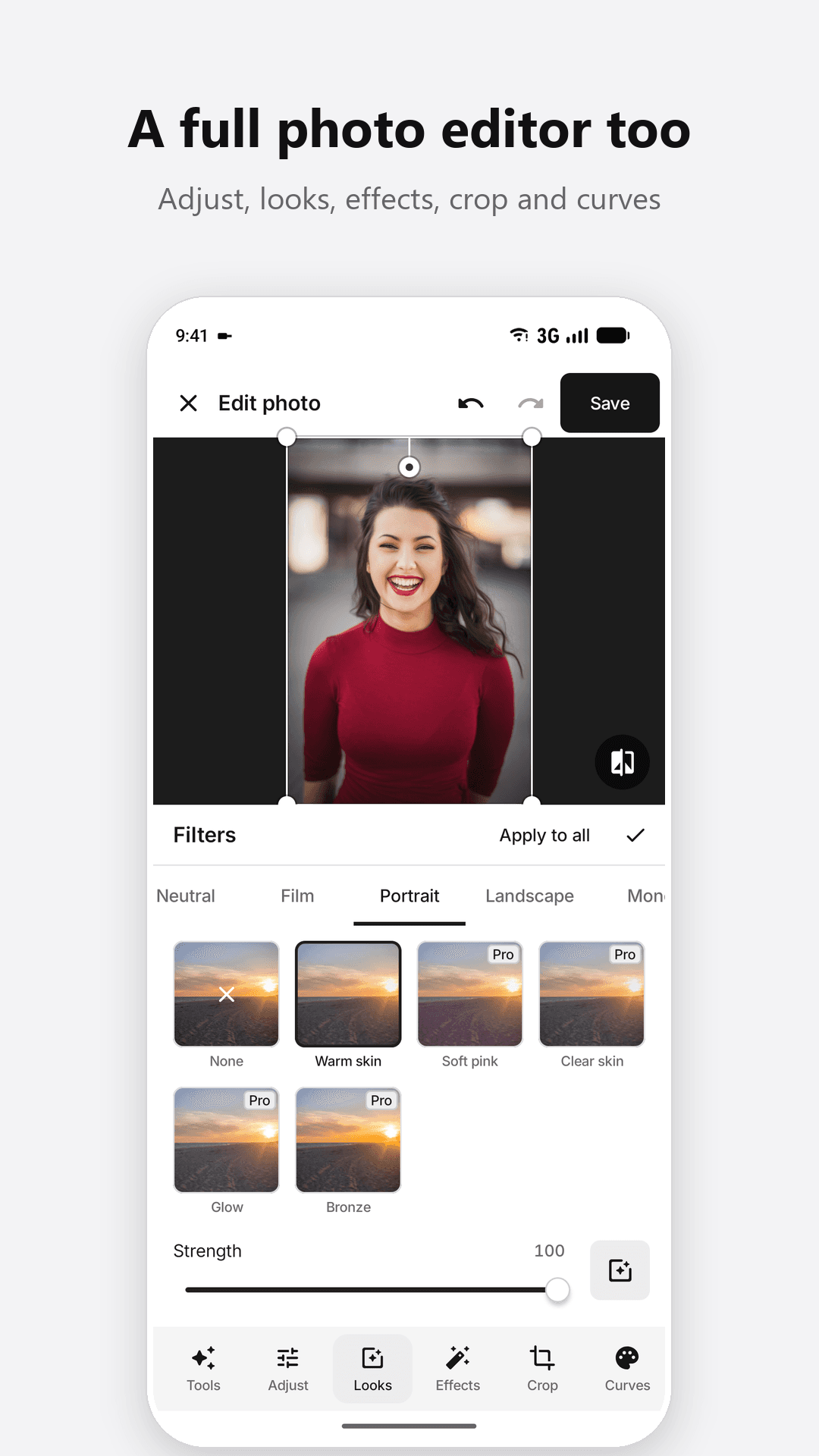
Adjustments, looks, effects, crop and curves, saved as a photo or a live photo video.
Export anywhere
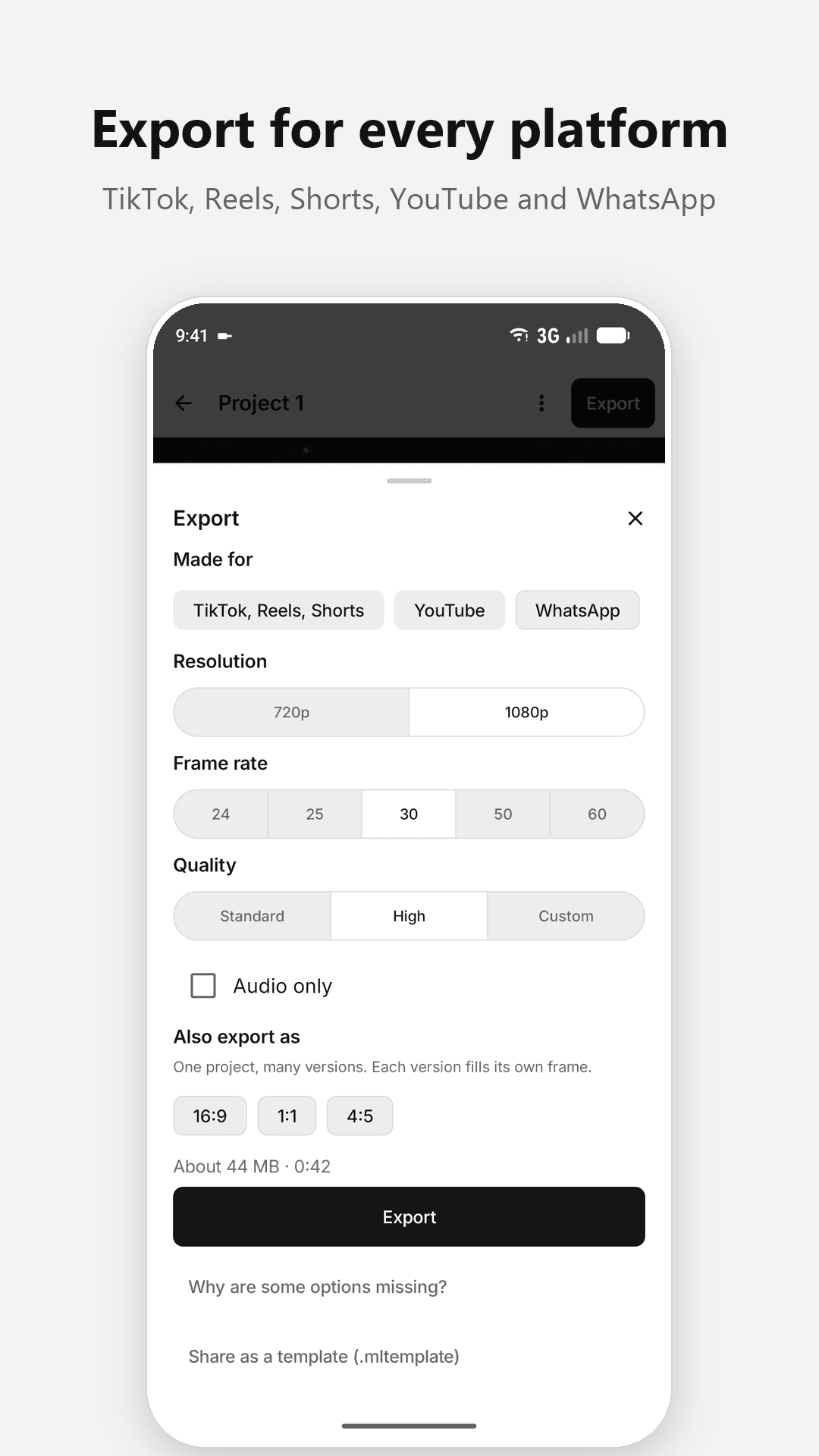
720p to 4K up to 60 fps on supported phones, with presets for TikTok, Reels, Shorts, YouTube and WhatsApp.
With Motionlily Pro
- PRO
Every Pro effect and transition
All Pro effects, transitions, filters and text animations.
- PRO
4K and HDR export
Export in 4K and HDR on phones that support it.
- PRO
Pro colour and layers
Curves, HSL and LUT import (.cube), and more video layers.
Screenshots
A closer look.
Details
- Compatibility
Android
Device requirements are listed on Google Play.
- Pricing
Free, with optional Motionlily Pro
- Motionlily is free to use and shows no ads, in the free version or in Pro.
- Pro is a monthly or yearly subscription, or a one-time lifetime purchase.
- Prices are shown in Google Play in your currency before you pay.
- Support and privacy
Questions
Is Motionlily free?
Yes. Motionlily is free to use and has no ads. Motionlily Pro, an optional subscription or lifetime purchase, unlocks every Pro effect, transition, filter and text animation, 4K and HDR export, curves, HSL and LUT import, and more video layers.
Does Motionlily upload my videos?
No. Editing, exporting and the AI tools run on your phone. Motionlily has no account and no servers of its own, and your media is never uploaded by the app.
Does Motionlily work offline?
Yes, editing and exporting work offline. The internet is only used for purchases and for optional AI models and language packs you choose to download.
Can Motionlily add captions automatically?
Yes. Auto captions are made from speech on your phone, with translation and 170+ text animations, including word-by-word and karaoke styles.
Can I remove the background from a video?
Yes. Motionlily removes the background from photos and videos in one tap, on your phone.
Does Motionlily show ads?
No. Motionlily shows no ads, in the free version or in Pro, contains no ad SDK and does not use your advertising ID.


