

Fylo
AvailableFile manager · Android
Your files, finally in order.
A powerful file manager designed to make managing files, storage and local content more intuitive.
Why Fylo
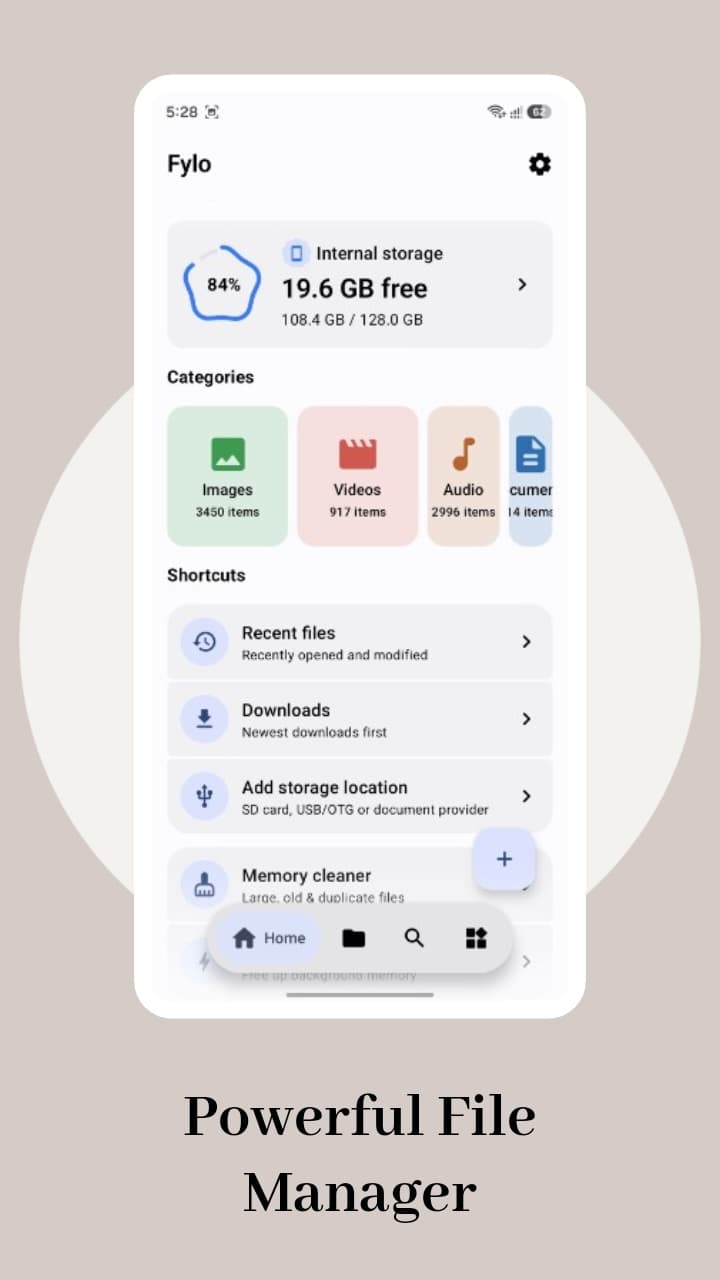
Phones collect files quickly: downloads, documents, archives, media and duplicates spread across folders. Fylo brings browsing, cleanup and everyday file tools into one consistent Material 3 interface, so finding and managing what is on your device takes less effort.
Features
What Fylo does.
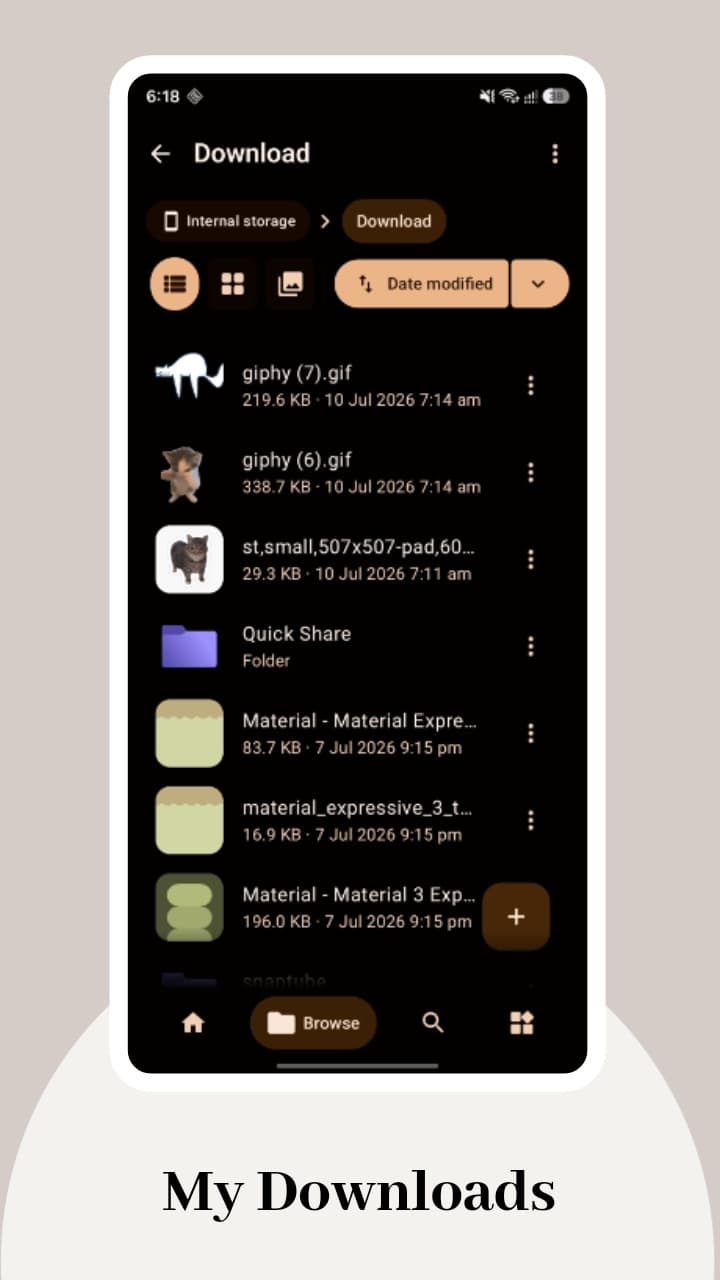
Storage browsing
Browse internal storage and SD cards with copy, move, rename, share and a recycle bin.
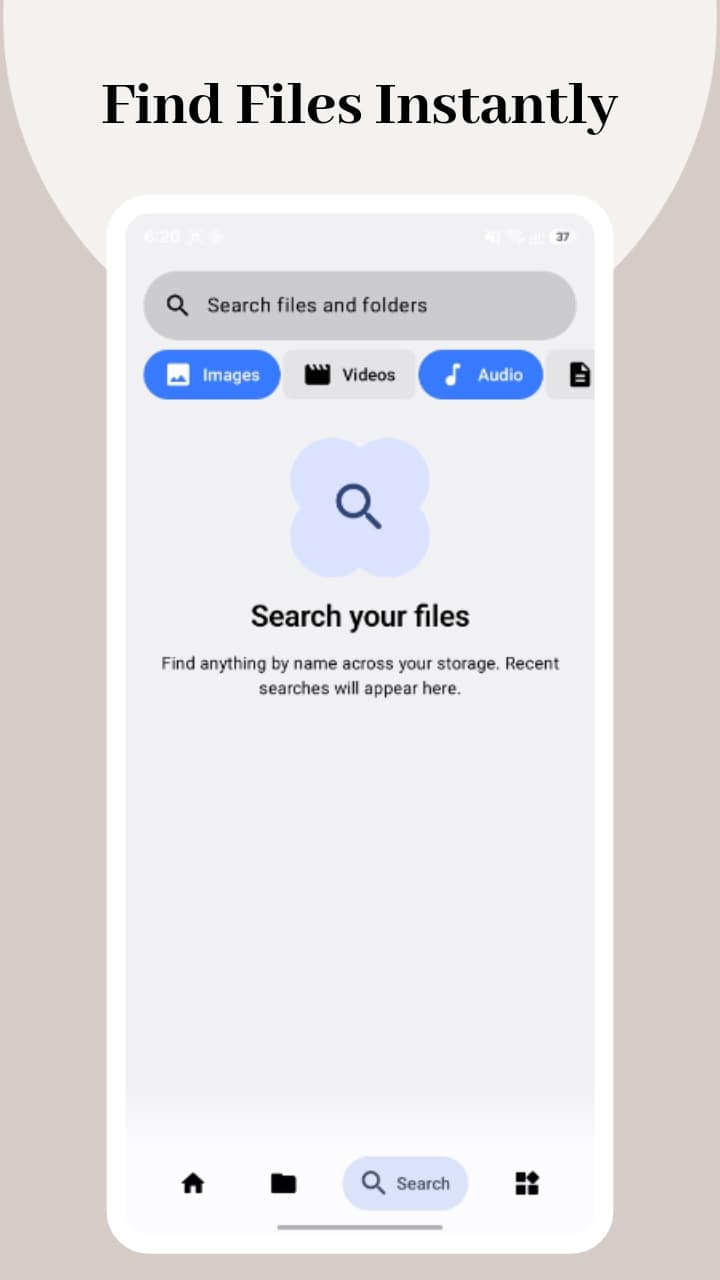
Categories and search
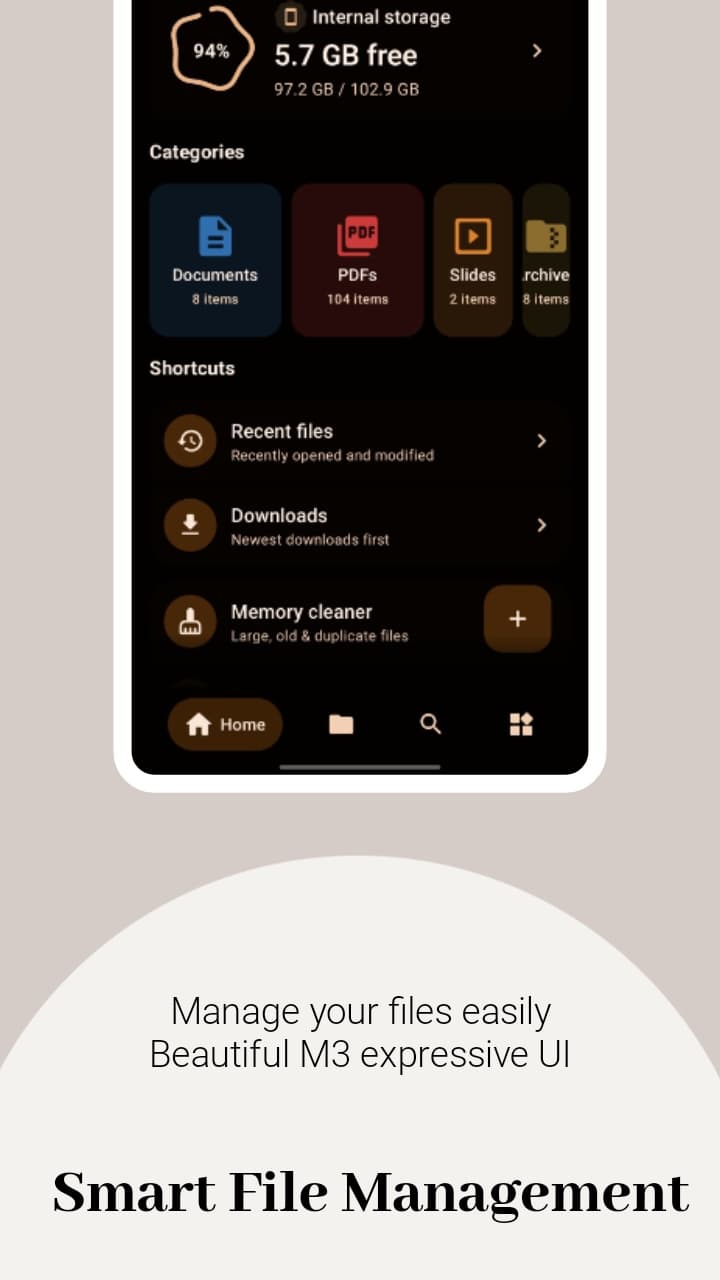
Jump straight to images, videos, audio, documents, archives and apps, or search across your files.
Storage analysis
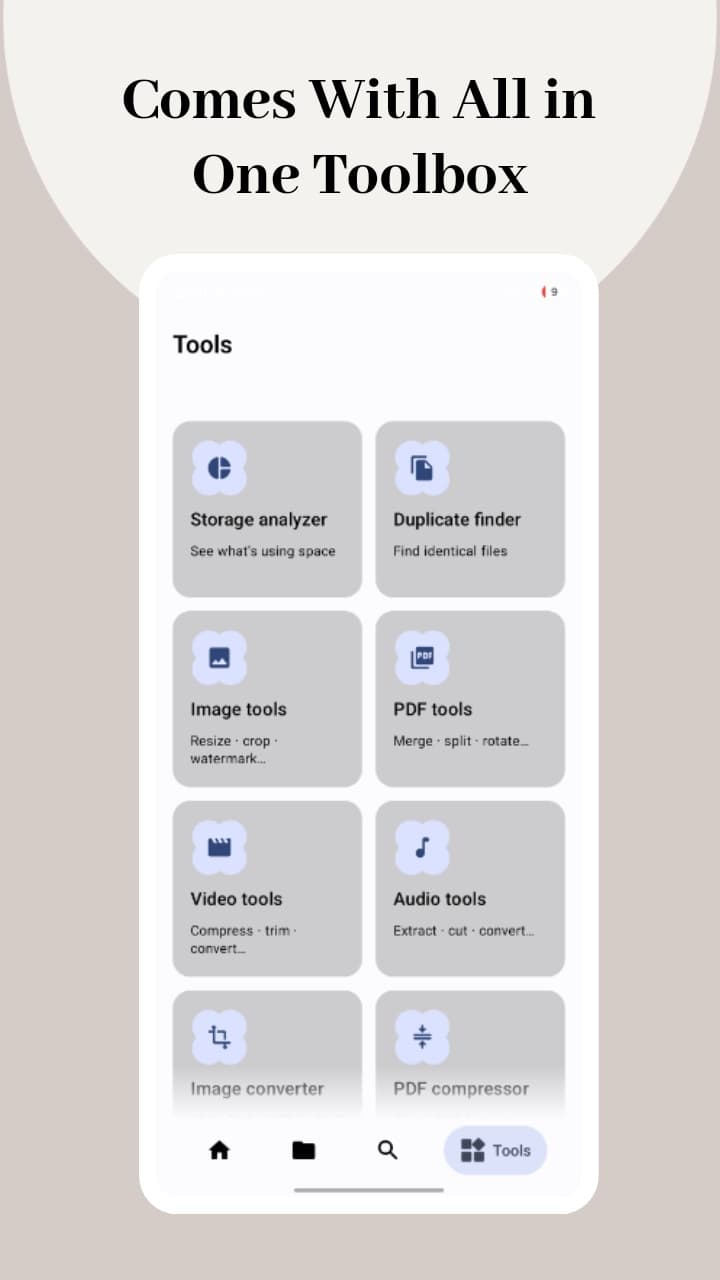
See what is using space and find duplicate and large files to clean up.
Archives
Create and extract common archive formats directly from the file browser.
Media and documents
Open images, video, audio and common document types without leaving the app.
Vault
Keep selected files in a protected area behind app authentication.
Network access
Connect to SMB, FTP and WebDAV locations on your network.
Themes
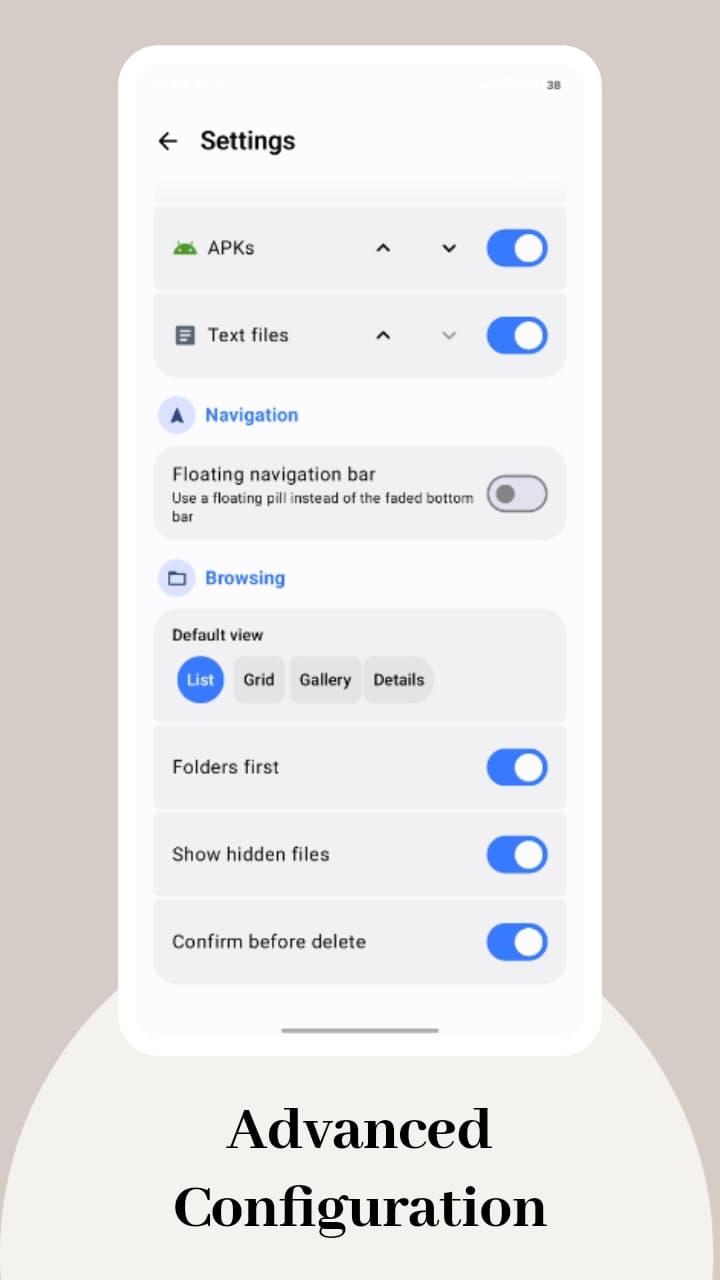
Dynamic colour, light, dark and AMOLED themes.
With Fylo Pro
- PRO
PDF and video tools
Advanced PDF and video tools.
- PRO
PC management and nearby transfer
Manage files from a computer on the same network and transfer to nearby devices.
- PRO
APK tools
Inspect installed apps and APK files.
Screenshots
A closer look.
Details
- Compatibility
Android
Device requirements are listed on Google Play.
- Pricing
Free, with optional Fylo Pro
- Fylo is free to download and does not show ads.
- Fylo Pro is available as an in-app purchase and unlocks the tools marked Pro.
- Current prices are shown in Google Play for your region.
Questions
Is Fylo free?
Yes. Fylo is free and has no ads. Some advanced tools require Fylo Pro, which is an optional in-app purchase.
Does Fylo upload my files?
Fylo works with files stored on your device. Files leave the device only when you choose to share them or connect to a network location. See the Fylo privacy policy for details.
How does the Vault protect files?
The Vault moves selected files into Fylo's private app storage and requires authentication to open it. It is a convenience and privacy feature, not a guarantee against every form of access to your device.
How do I restore a Pro purchase?
Sign in to Google Play with the account used for the purchase and reopen Fylo. Purchases are managed by Google Play.


