
AppLock
AvailablePrivacy & security · Android
A second lock for the apps that matter.
An application-locking tool designed to help users protect access to selected apps.
Why AppLock
Phones get handed around. AppLock adds an extra authentication step in front of the apps you choose, so a shared or unlocked phone does not automatically open your messages, photos or banking apps.
Features
What AppLock does.
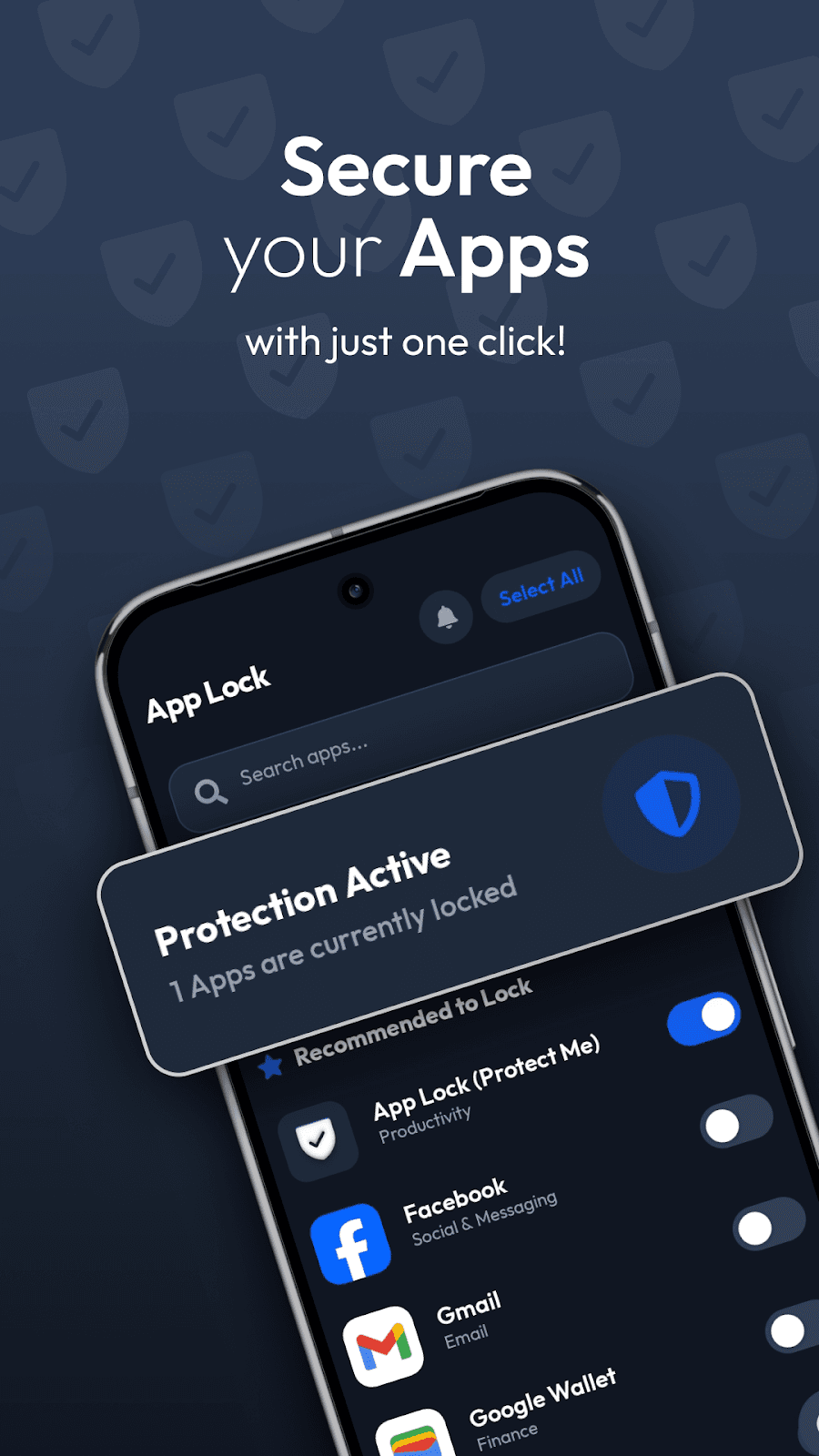
Lock selected apps
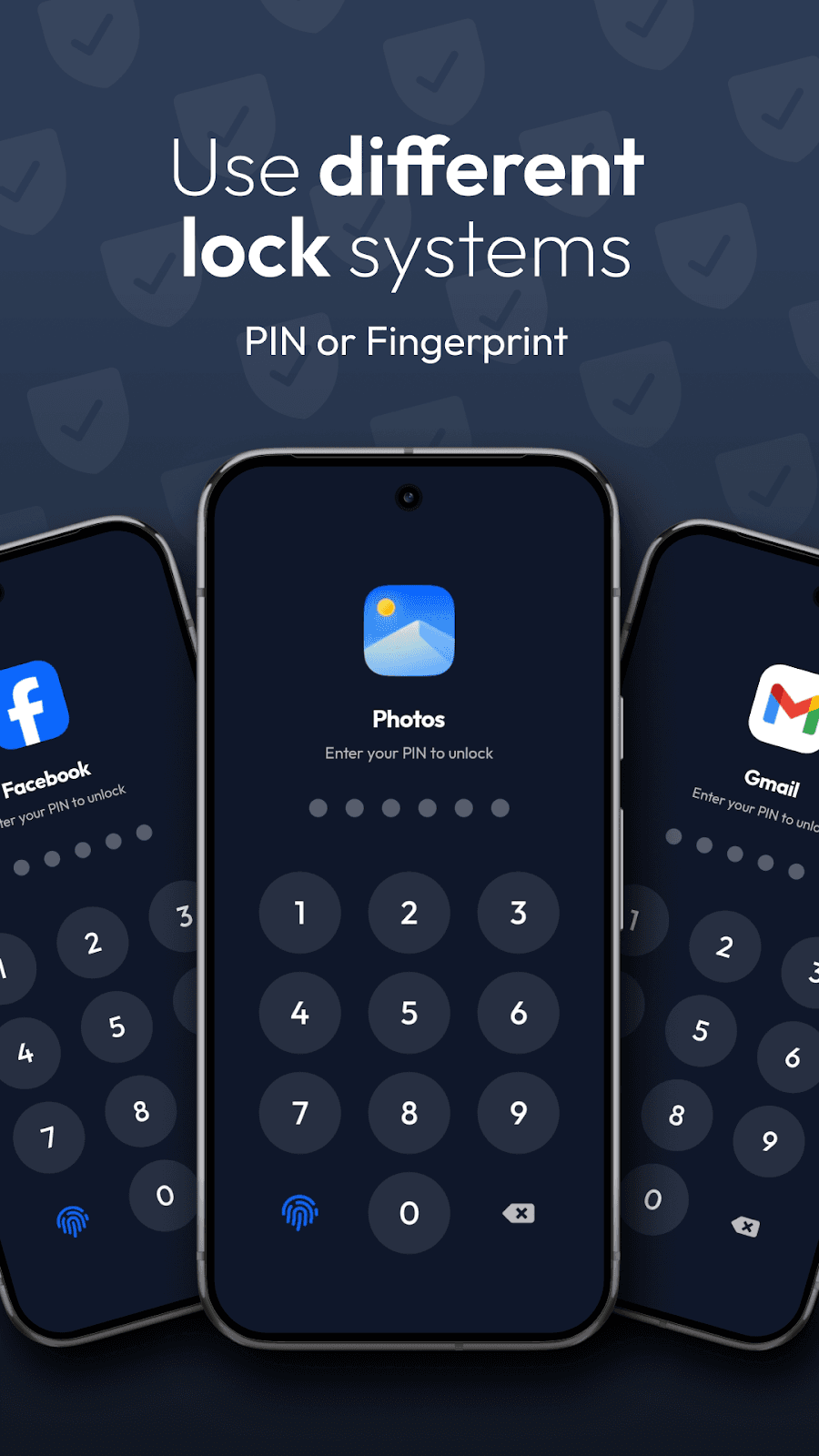
Require a PIN, pattern, password or device biometrics before chosen apps open.
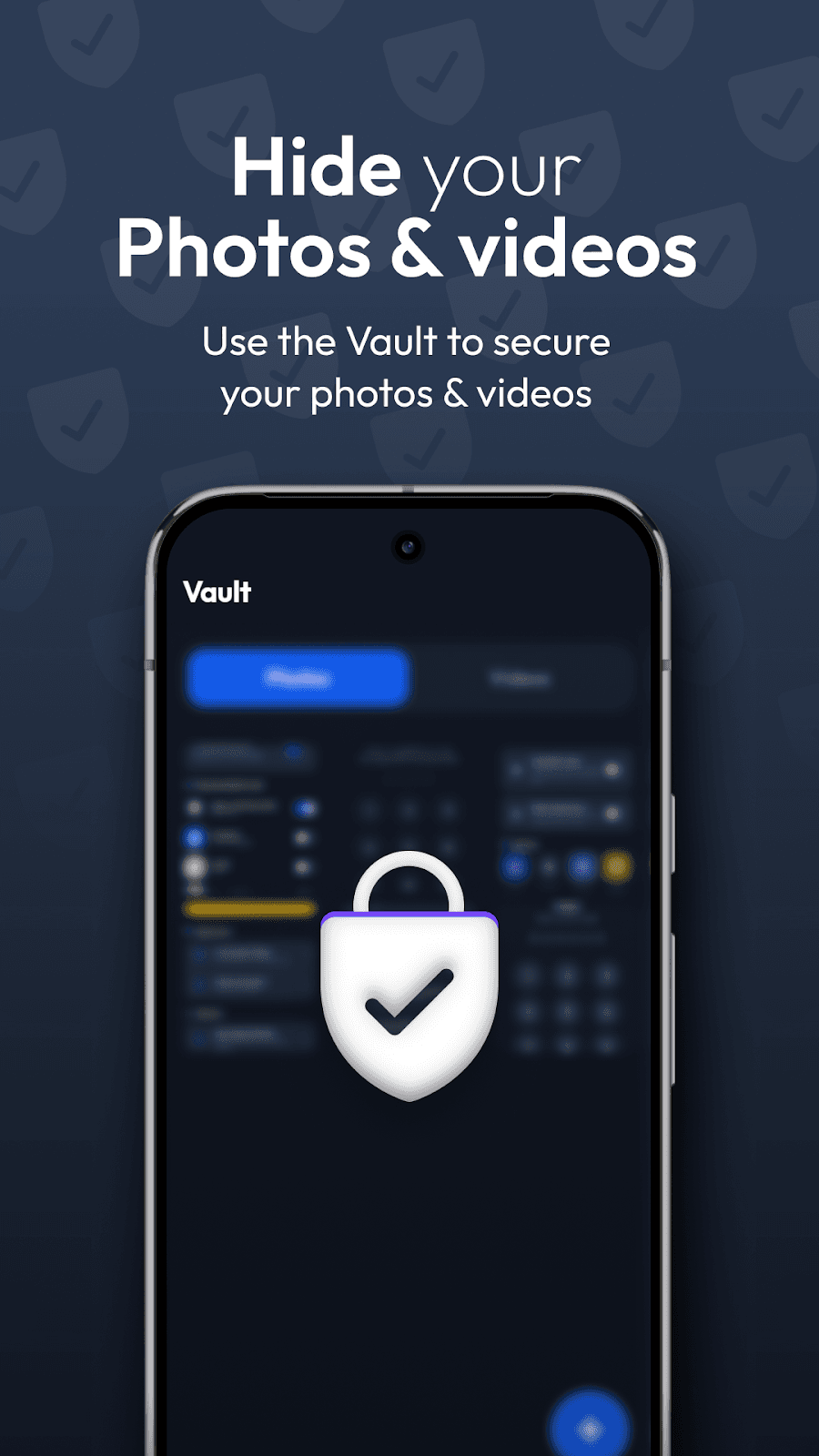
Private vault
Store photos and videos in an encrypted vault inside the app, with keys held in the Android Keystore.
Intruder photo
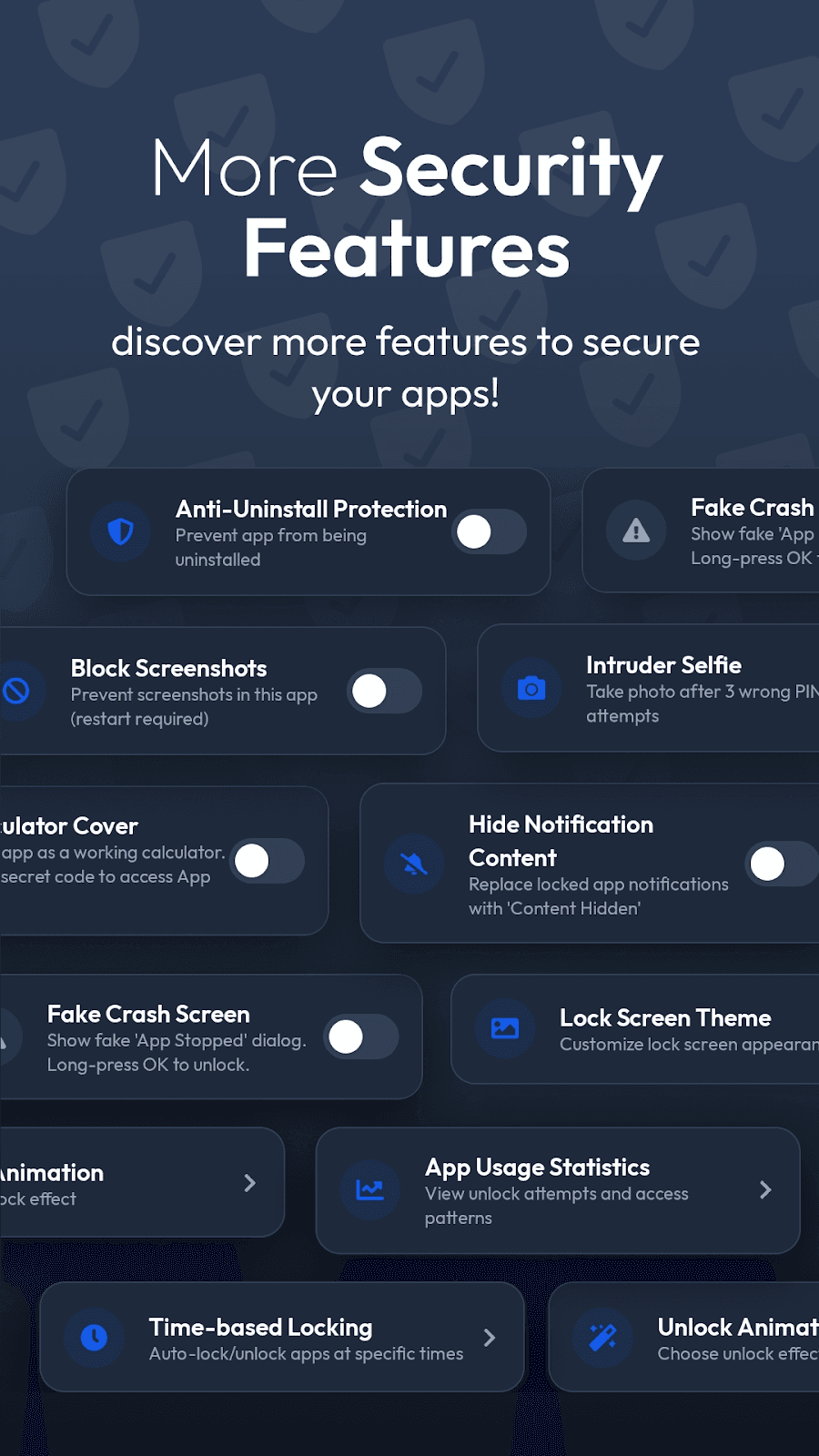
Optionally take a front-camera photo after repeated failed unlock attempts. Photos stay on the device.
Scheduled locking
Lock apps automatically at times you set.
Disguise options
Hide the app icon or use a calculator or fake crash screen.
Extra protection
Screenshot prevention, notification hiding and uninstall protection.
Screenshots
A closer look.
Details
- Compatibility
Android
Android 7.0 or later
- Pricing
Free with ads, optional Pro
- AppLock is free to download and shows ads.
- Pro is available as an in-app purchase and removes ads and unlocks premium features.
- Current options and prices are shown in Google Play for your region.
Questions
Which permissions does AppLock need?
To detect when a locked app opens, AppLock uses Usage Access, the Accessibility service and permission to display over other apps. Camera access is only needed for the optional intruder photo.
Is AppLock completely secure?
AppLock adds an extra layer in front of selected apps. No app lock can protect against every scenario, such as someone who already controls your device or Android account. Keep your device lock enabled as well.
What happens to vault files if I uninstall?
Vault files are stored inside the app. Move files out of the vault before uninstalling, or they may be lost.
Does AppLock show ads?
The free version shows ads. Pro removes them.


