
Kore Launcher
AvailableLauncher & personalization · Android
A home screen that feels like yours.
A customizable Android launcher focused on a clean home-screen experience and flexible personalization.
Why Kore Launcher
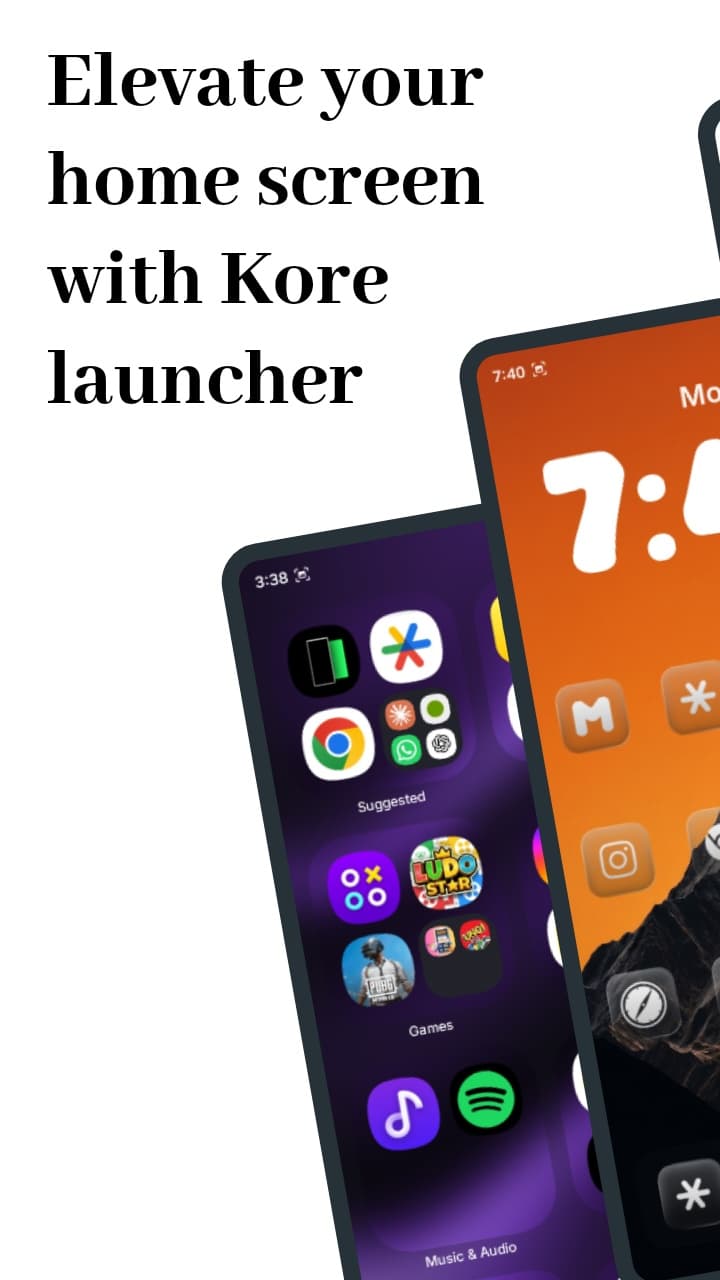
Most home screens are either rigid or cluttered. Kore Launcher gives you a calm starting point and lets you shape it: layouts, icons, fonts, widgets and folders, without turning customization into a chore.
Features
What Kore Launcher does.
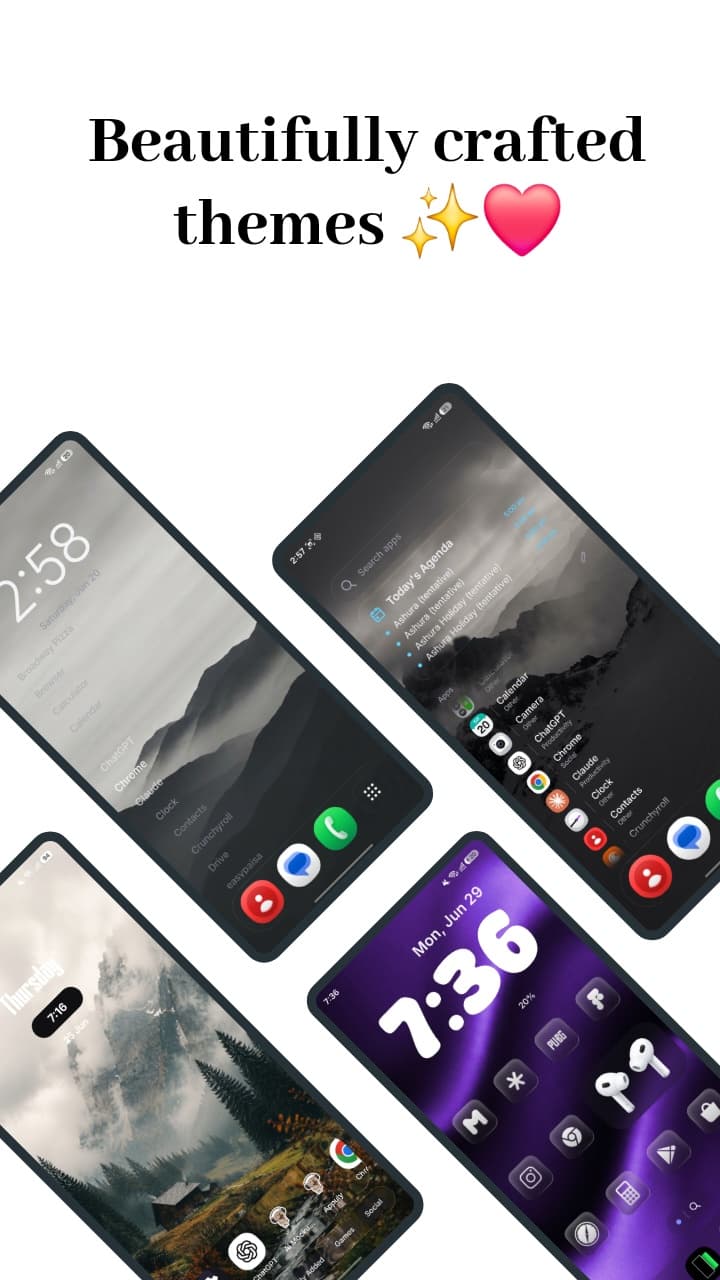
Themes and presets
Apply a complete look in one tap, then fine-tune it.
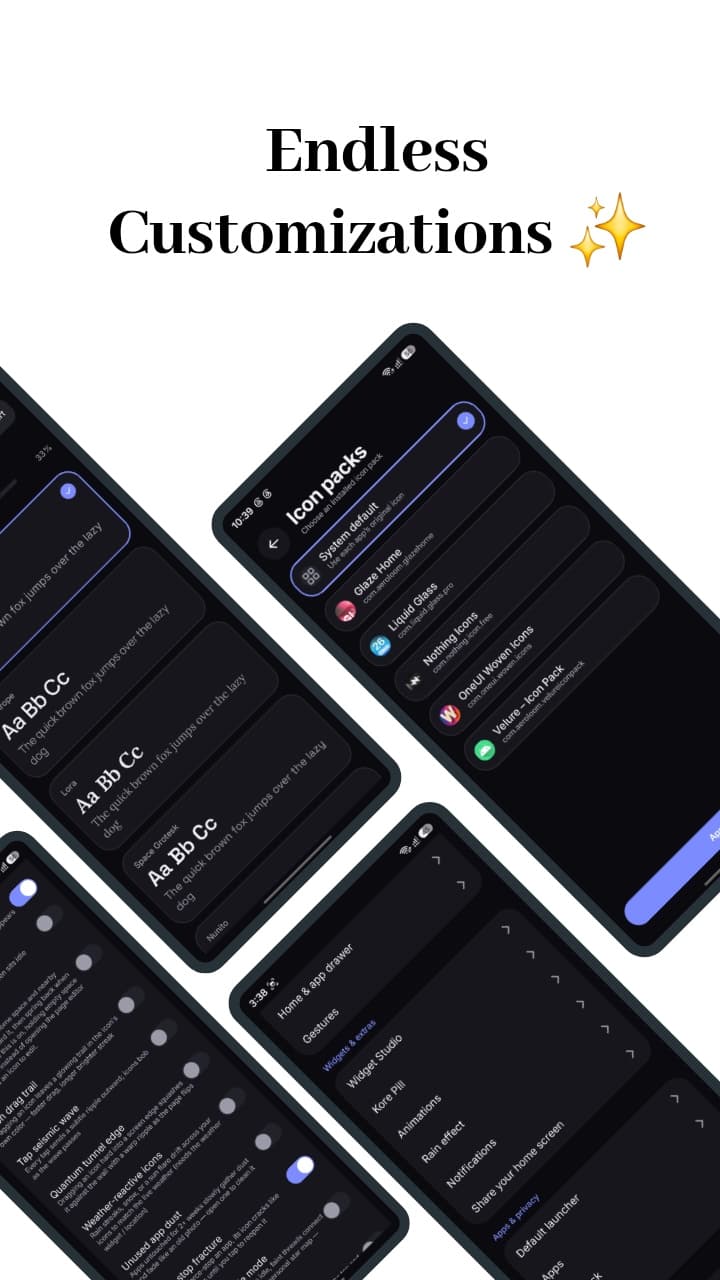
Icon packs
Use third-party icon packs, with adaptive icon backdrops.
Fonts and wallpapers
Custom fonts, wallpapers and live wallpapers.
Home layouts
Choose between several home layouts and adjust grid and icon sizes.
App drawer and search
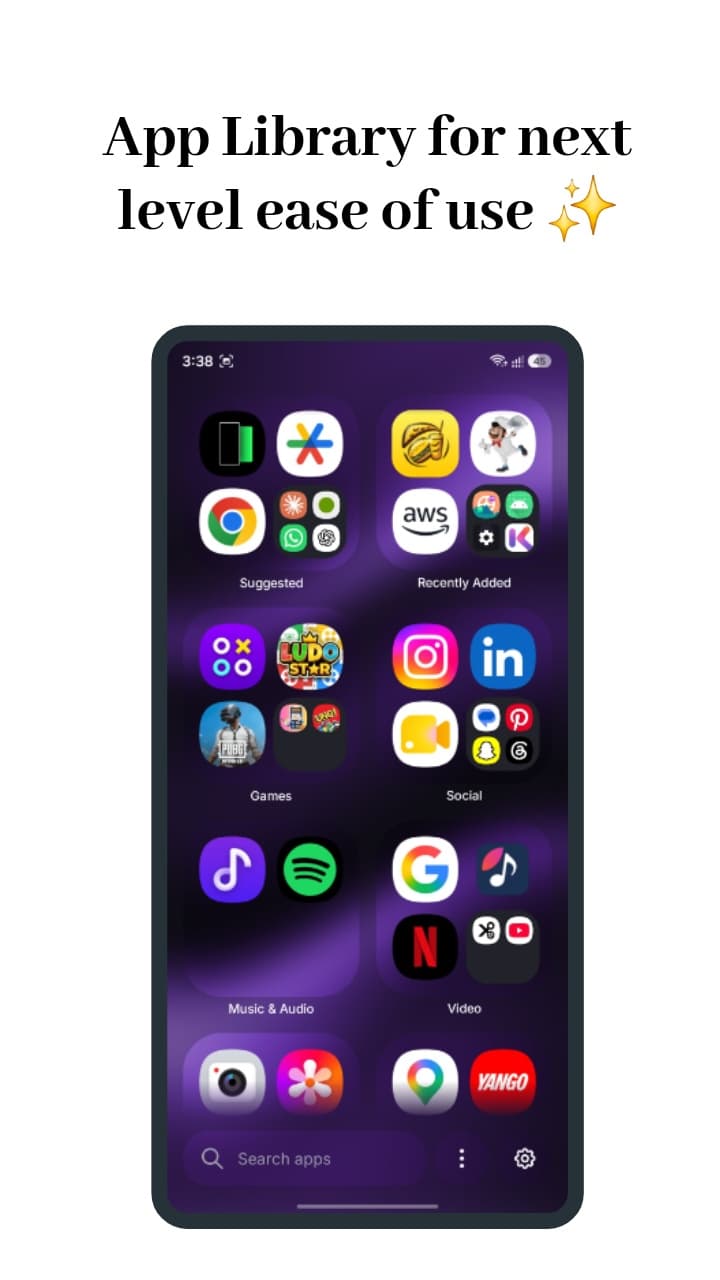
An alphabetical drawer with universal search, in grid or list views.
Widgets
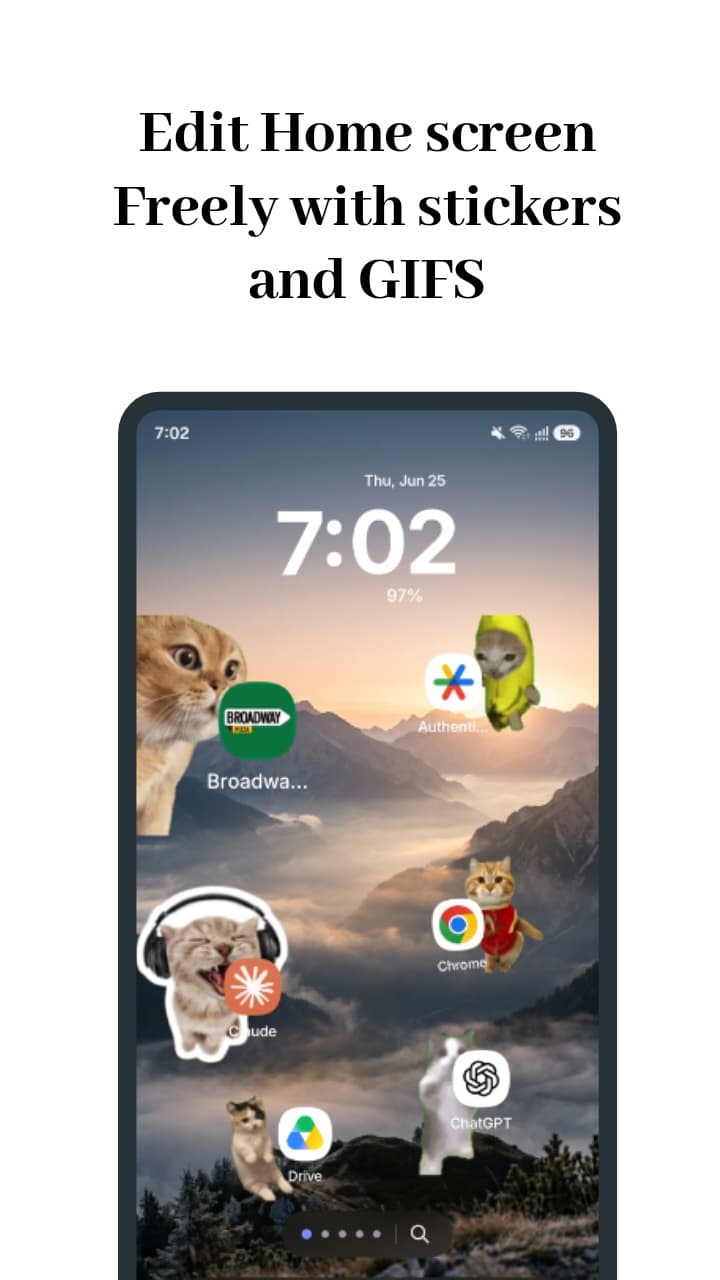
Place any Android widget, or build your own with Widget Studio.
Smart folders
Group apps into folders automatically, then adjust them yourself.
Kore Pill
A floating status pill for charging, ringer mode and now-playing information.
Gestures
Optional gesture controls through an accessibility service you enable yourself.
Screenshots
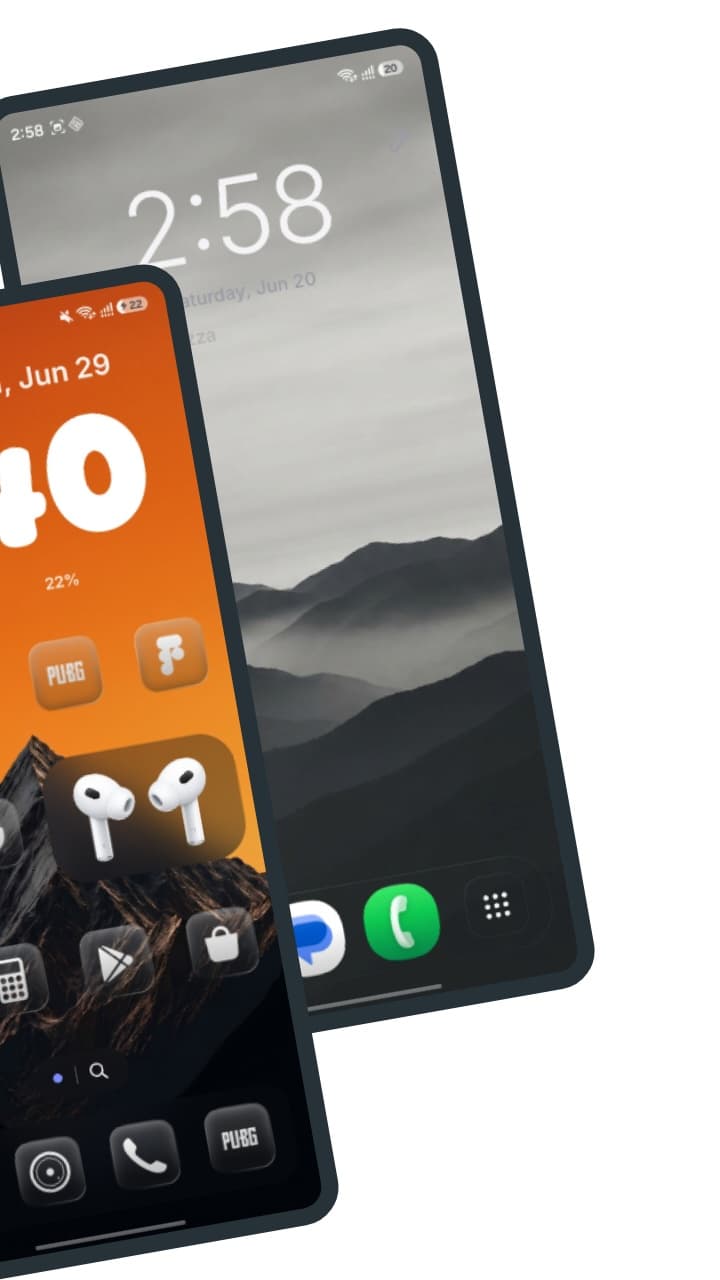
A closer look.
Details
- Compatibility
Android
Device requirements are listed on Google Play.
- Pricing
One-time purchase
- Kore Launcher is a paid app with no ads and no subscription.
- The price for your region is shown in Google Play.
Questions
Is Kore Launcher a subscription?
No. Kore Launcher is a one-time purchase on Google Play with no ads.
Why does Kore ask for accessibility access?
Accessibility access is optional and is only used for gesture actions you turn on. The launcher works without it.
Can I use my own icon pack?
Yes. Kore Launcher supports third-party icon packs installed from Google Play.
Does Kore connect to the internet?
Some optional features, such as the weather widget, contact an external service when you enable them. The Kore Launcher privacy policy explains what is sent and when.


