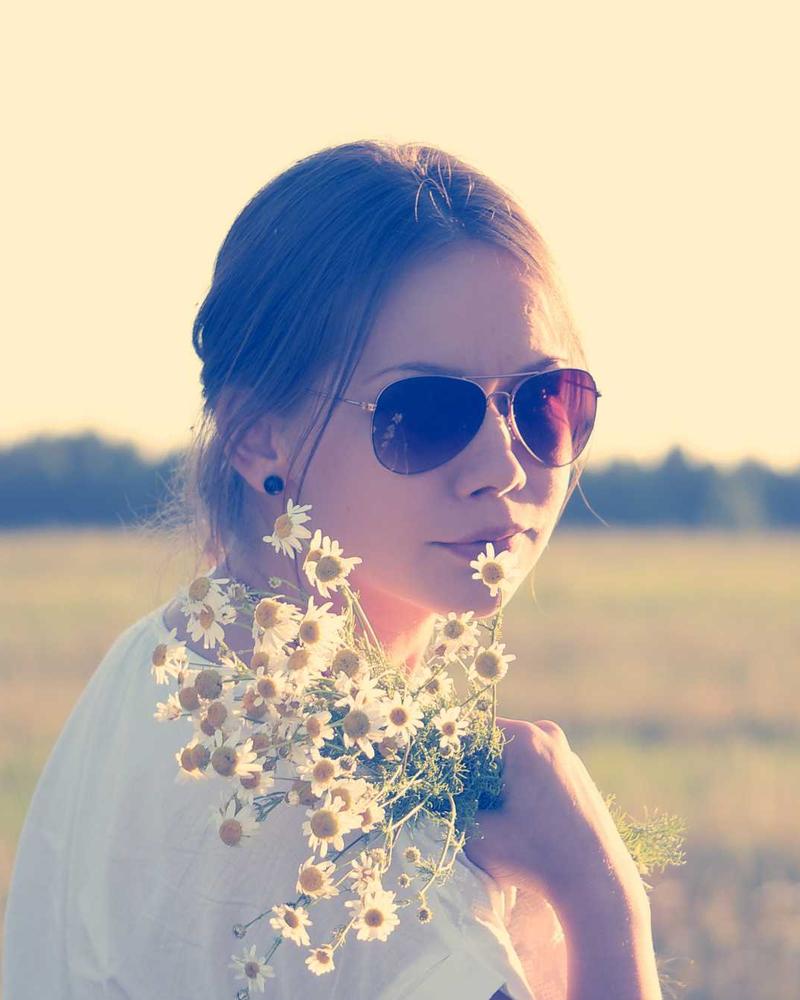
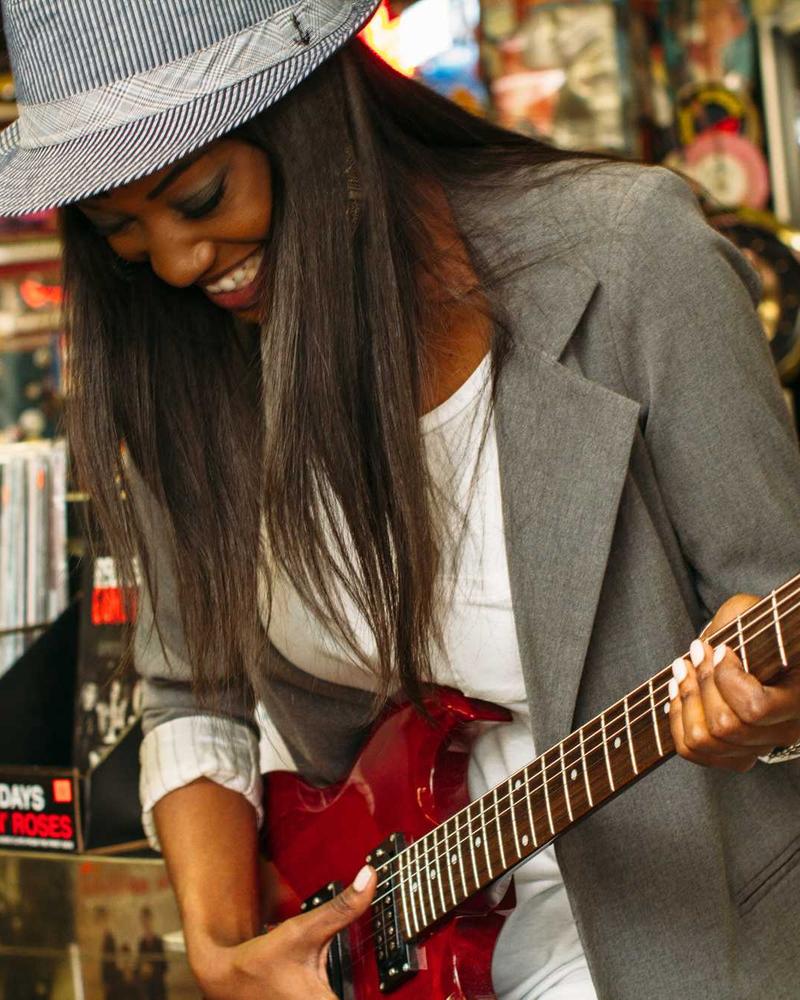
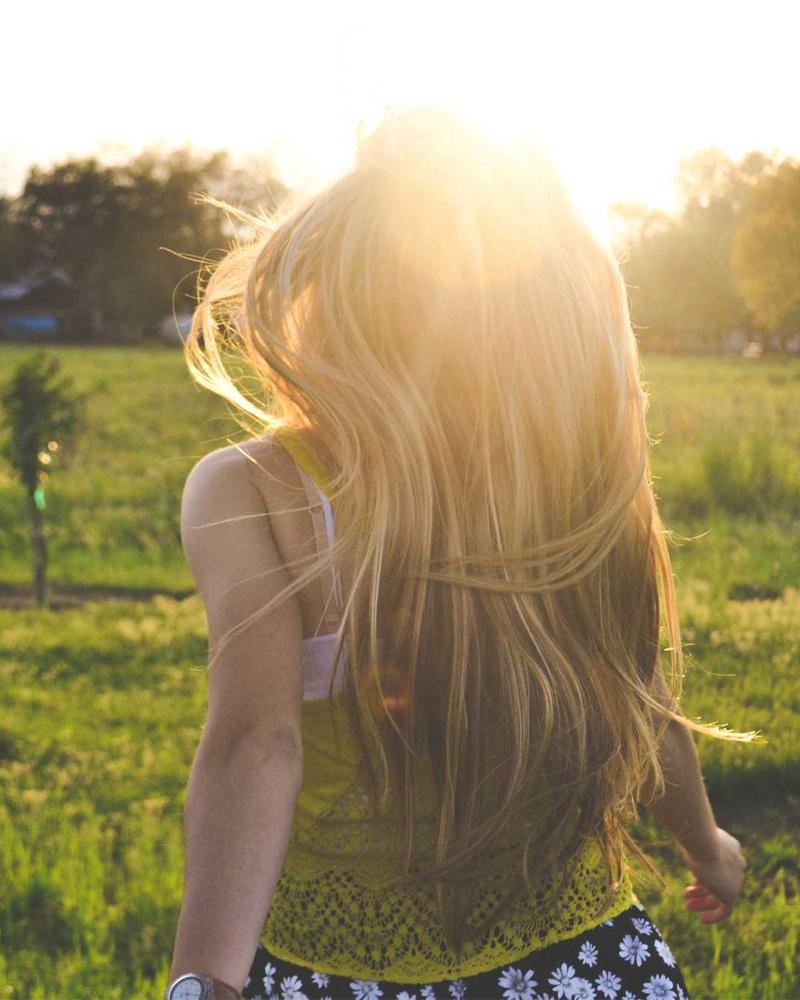
RestoreFix old, faded and blurry photos in one tap.
See it work
Real results from the models inside ClearShot
Drag the slider. These photos were processed by the same models the app runs on your device.
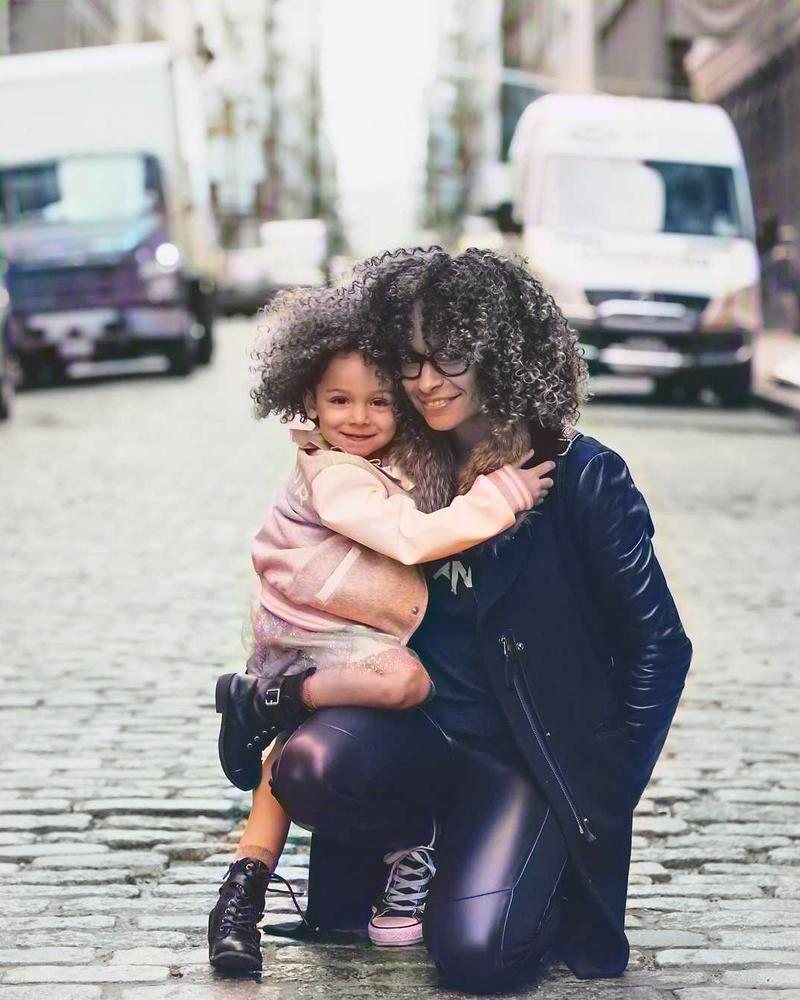
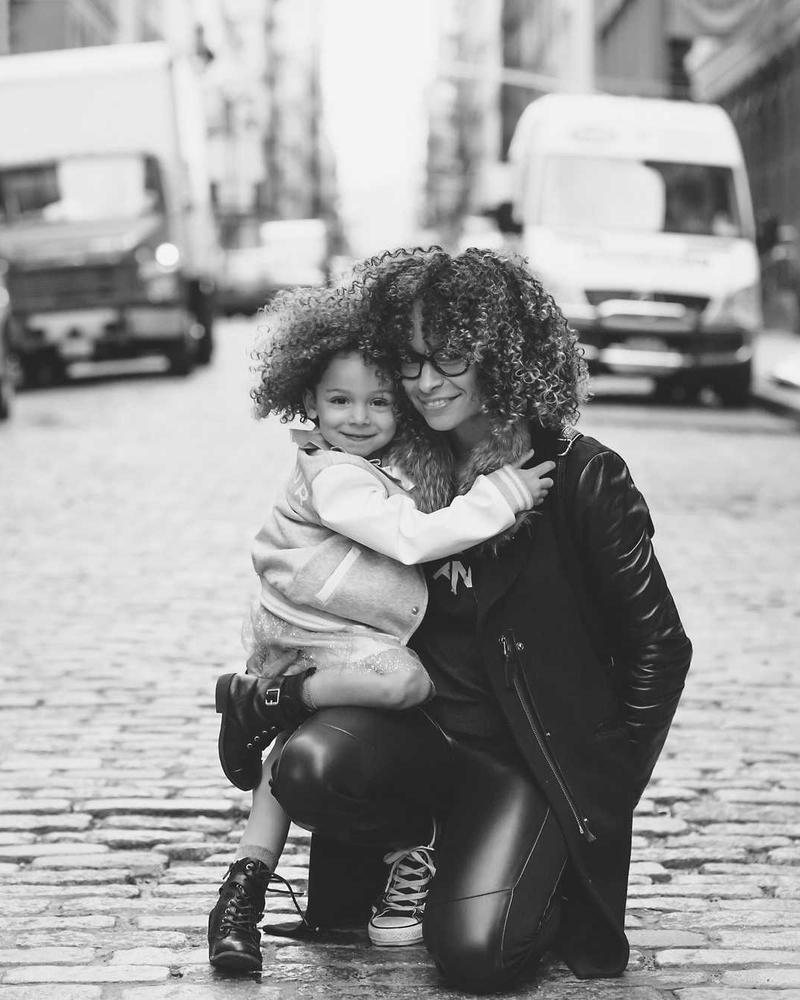
Color for black and white photos
DeOldify Artistic adds natural color to old black and white prints. Turn the strength up or down before you apply it.
- Model
- DeOldify Artistic
- Size
- 243 MB, downloaded when you want it
- Runs on
- Mid-range phones and up, any Windows PC
15 tools
Everything to fix, clean up and style a photo
Pick a tool on the home screen or open any photo and switch tools without leaving the editor. Undo and compare work everywhere.
Restore
UnblurRecover detail in soft or shaky shots.
Face enhanceSharpen and repair faces.
ColorizeAdd natural color to black and white photos.
UpscaleMake photos 2× or 4× larger with real detail.
Clean up
Remove backgroundKeep it transparent, add a color or blur it.
Remove objectPaint over anything to erase it.
Remove personPeople are found for you, then erased.
Face blurHide faces before you share.
Create
AI EnhanceBetter light, color and sharpness instantly.
EffectsTwelve looks, a new trending one every month.
FiltersFourteen one-tap color moods.
CollageUp to 9 photos in a layout.
Basics
AdjustLight, color, vignette, grain and sharpness.
CropCrop, rotate and flip with common ratios.
On-device models
Small models built in. Stronger ones when you want them.
ClearShot works out of the box with four compact models. Open the model manager to download stronger ones for each task, switch between them or delete them to free space.
Picked for your deviceClearShot reads how much memory your phone has and recommends models that run well on it.
Straight from the sourceModels download from their public hosts, GitHub and Hugging Face, and are checked before first use.
Offline after thatOnce a model is on your device, its tool works without any connection.
Built in
Ready the moment you install
- U²-Net LiteBackground removal4.4 MB
- Real-ESRGAN CompactUpscale and unblur4.6 MB
- YuNetFace detection0.2 MB
- Safety classifierExplicit image filter23 MB
Download when you want
From the model manager in the app
- SiluetaBackground removal42 MBAny device
- IS-NetBackground removal, fine hair170 MBMid-range
- BiRefNetBackground removal, sharpest edges214 MBHigh-end
- U²-Net PeopleFinds people to remove168 MBAny device
- MI-GANObject and person removal, fast27 MBAny device
- LaMaObject removal, large areas88 MBMid-range
- Real-ESRGAN 2×Natural 2× upscaling66 MBMid-range
- Real-ESRGAN 4×Maximum detail at 4×66 MBHigh-end
- GFPGAN 1.4Face repair325 MBMid-range
- DeOldify ArtisticColorize243 MBMid-range
Every model is open source under a permissive license (Apache-2.0, MIT or BSD). Authors and licenses are listed on the credits page and inside the app.
Effect of the month
A new trending look every month
Twelve hand-tuned effects and fourteen filters, previewed live on your photo before you apply them.
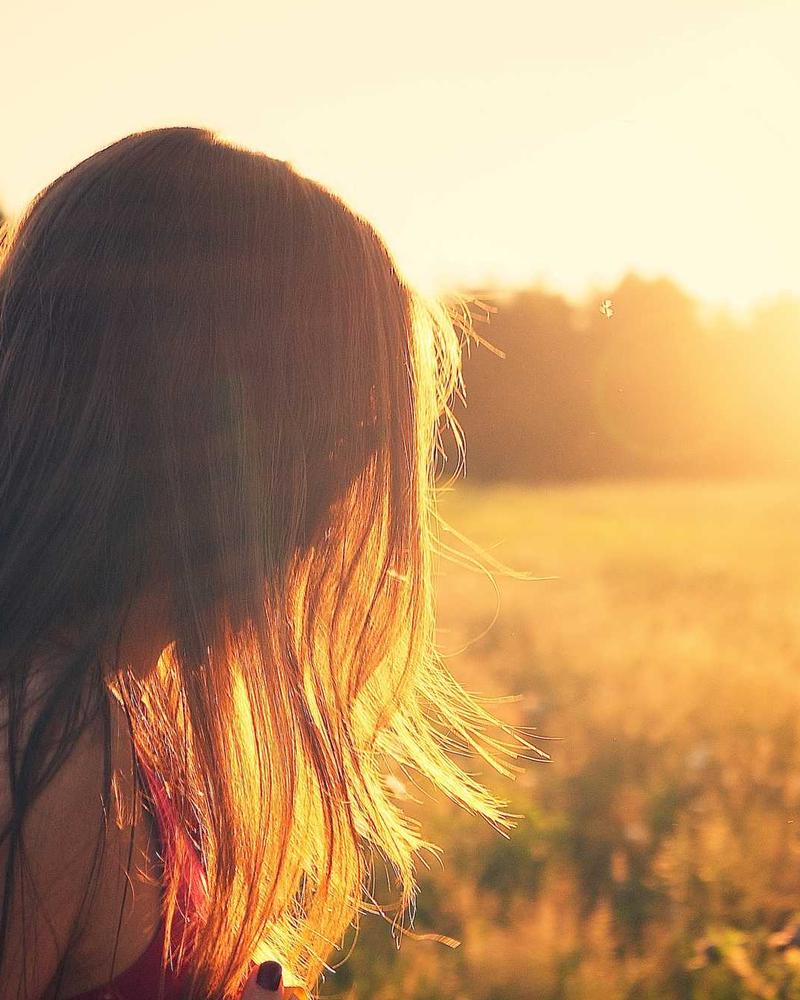
Web preview. The app renders the full effects on your photo.
Instant previewsEvery look and filter shows on your photo live, before you commit.
Full adjust panelBrightness, contrast, saturation, warmth, vignette, grain and sharpness.
CollageTemplates for up to nine photos, with spacing, corners and background color.
Android and Windows
Feels at home on your phone and your PC
Android
- Material 3 Expressive design
- Optional Liquid Glass tabs, buttons and sliders, full effect on Android 13 and newer
- Haptic feedback you can turn off
- Keeps the screen on while a long edit or download runs
Windows
- The same editor and models, on a bigger screen
- Layouts that use the full window width
- Mouse, keyboard and trackpad friendly
- Simple installer, no account or sign-in
Privacy
Your photos never leave your device
There is no ClearShot server. The only network use is downloading the AI models you choose.
Our promise“Edit anything, upload nothing.”On-device AI that keeps working offline once a model is installed.
Photos uploaded0No ads · No analytics · No account
No adsNo ad SDKs and no advertising ID.
No analyticsNo tracking, crash or usage SDKs.
No accountNothing to sign up for.
Safe by defaultAn on-device filter blocks AI edits of explicit images, and every AI result has a report button.
Pricing
Start free. Go Pro for the strongest models.
Prices in US dollars. Google Play shows the price in your currency before you pay.
$0
FreeEverything you need for everyday edits.
- Crop, adjust, filters and collage
- Built-in background removal
- Quick upscale and unblur
- Face blur and AI Enhance
- The current effect of the month
$14.99/year
Pro · Save 58%Just $1.25 a month, billed once a year.
- Restore, colorize and face repair
- LaMa, BiRefNet and every pro model
- 4× upscale and high resolution editing
- Every monthly effect, past and future
- Still 100% on your device
$29.99
LifetimePay once, keep Pro forever. No subscription.
- Everything in Pro
- All future models and effects
- Works on every device on your Play account
- No renewals, ever
FAQ
Questions, answered
Are my photos uploaded anywhere?
No. Every edit runs on your phone or PC. ClearShot has no server, no account and no analytics, so there is nowhere for a photo to go.
Does it work offline?
Yes. The built-in tools work offline from the start. Downloaded models work offline once they are on your device.
Which phones can run it?
Android 12 and newer. ClearShot checks your device's memory and recommends models that run comfortably. Heavier models, like BiRefNet and Real-ESRGAN 4×, are suggested for high-end phones.
How much space do the models take?
The four built-in models take about 32 MB together. Downloads range from 27 MB (MI-GAN) to 325 MB (GFPGAN). You can delete any downloaded model at any time in the model manager.
What does Pro add?
Restore, colorize and face repair, the strongest models such as LaMa and BiRefNet, 4× upscaling, high resolution editing and every monthly effect. Everything still runs on your device.
What happens if an AI result looks wrong or inappropriate?
Every AI result has a report button that opens an email to us, and the result is undone. An on-device safety filter also blocks AI edits of explicit images.
Ready to fix your photos?
Free on Android and Windows. Private from the first tap.